


BookTok users, Bookstagram enthusiasts, and die-hard Kindle fans are expressing their frustration this week. On April 7, Amazon announced that it would be ceasing support for 13 devices, including nine Kindle e-readers.
The backlash against Amazon in the literary community continues to grow. Last year, the company held a significant book sale that coincided with Independent Bookstore Day, which irked many. With this latest announcement, some Kindle users are questioning whether they should consider switching to a Kobo.
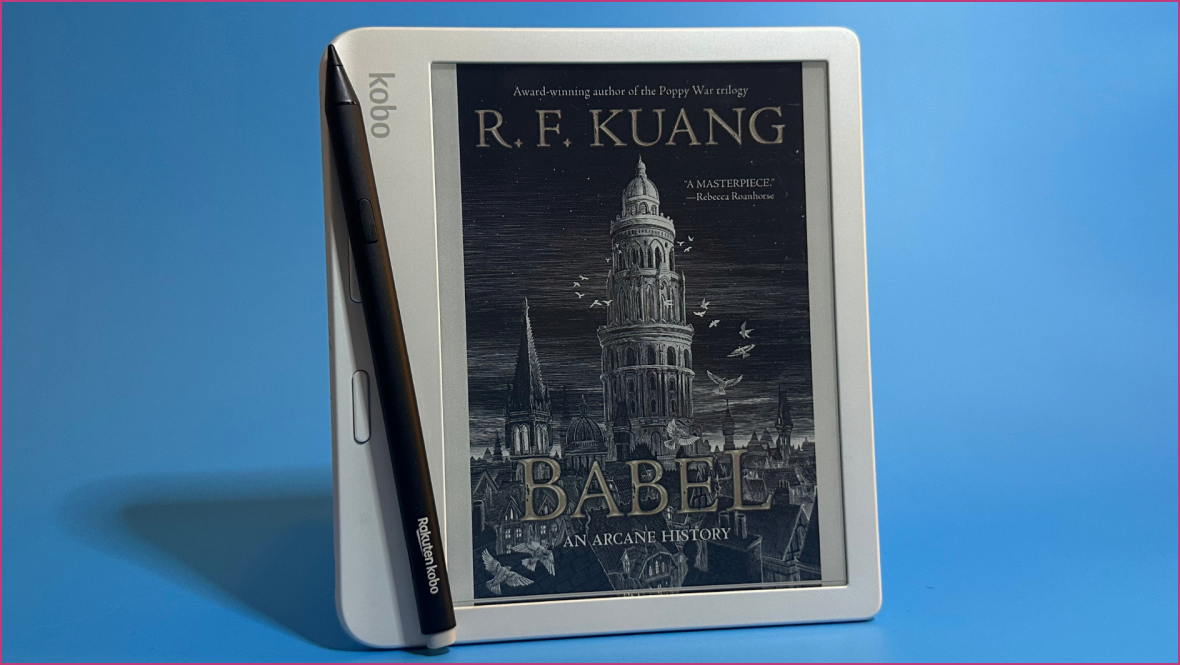
While Kindle is a dominant player in the e-reader market, Kobo is gaining popularity. Users have enjoyed models like the Kobo Clara and Kobo Libra, which offer features that Amazon has eliminated from its devices, such as page-turning buttons and seamless Libby integration. However, if concerns about your Kindle becoming obsolete are prompting the switch, know that a Kobo may not resolve this issue.
Phasing out older technology is a common aspect of our digital age. Unlike appliances that don’t need software updates, devices like e-readers do. With companies frequently releasing new models, planned obsolescence has become the norm. It’s worth noting that Google’s announcement on automatic updates for Chromebooks, potentially extending their lifespan to a decade, feels revolutionary in contrast.
It’s noteworthy that Amazon’s older devices have remained operational for at least 14 years, showcasing their durability. Nevertheless, if you’re contemplating a switch to a Kobo, it’s essential to do so for valid reasons, as Kobo e-readers may also face similar discontinuation in the future.
Considerations Before Switching to a Kobo
If you’re considering moving from a Kindle to a Kobo because you think it won’t be phased out, be aware that Kobo has similarly discontinued support for certain models. Their website lists obsolete products, highlighting that this is an inherent challenge for devices requiring regular software updates.
Reasons to Consider a Kobo Over a Kindle
There are many advantages to choosing a Kobo e-reader. Overall, they are just as efficient and user-friendly as Kindles, featuring an accessible interface. If your Kindle library doesn’t consist exclusively of DRM-free EPUB files, you won’t be able to transfer your purchased books to the new Kobo. If this limitation is acceptable to you, there are several enticing features in the Kobo lineup.
Page-Turning Buttons
Older Kindle models include an option that newer versions lack: page-turning buttons. With options like the Kindle 5 discontinued and the Kindle Oasis no longer available, users are missing out on this feature. The Kobo Libra Colour includes these buttons, allowing for easy navigation and a comfortable reading experience with an internal gyroscope for screen rotation.
Remote Control
Kobo has innovated by introducing a remote that pairs with their e-readers, allowing users to flip pages easily while relaxing under blankets. We’ve found this Kobo remote to be superior to any generic remote designed for Kindle devices.
Enhanced Library Integration
Kobo e-readers offer straightforward integration with Libby, allowing users to log in to their library accounts directly on the device. Books borrowed through Libby automatically sync to the e-reader, though users can only access one library card at a time.
Affordable Color Options
Kobo’s color e-readers provide a more affordable alternative to Kindle. For example, the Kindle Colorsoft is priced at $199.99, whereas the Kobo Clara Colour is only $159.99, matching the price of the Kindle Paperwhite. Thus, upgrading to a color e-reader is more economical with Kobo.
