



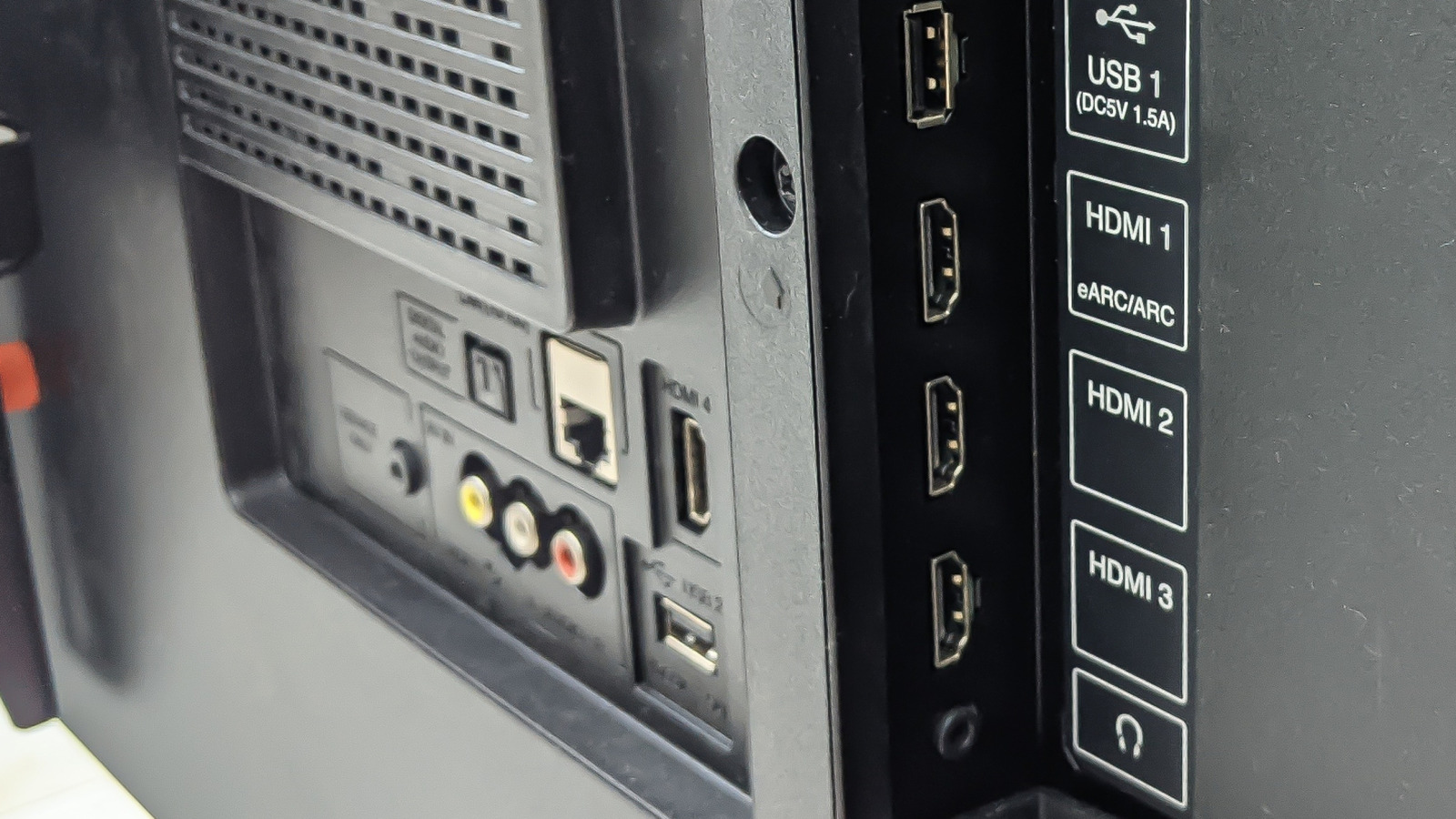
If you have recently purchased a mid-range or high-end 4K television, it’s likely that your HDMI ports offer a range of features beyond mere visual display. Newer models come with beneficial capabilities that enhance gaming, sports viewing, and movie experiences, yet many of these features are hidden in menu settings or require specific HDMI configurations to function. Not harnessing these capabilities means missing out on features you already paid for, which can significantly upgrade your TV’s image quality, motion fluidity, and sound experience.
The quality of HDMI cables is also crucial. If everything is configured correctly but performance is lacking, consider upgrading your cables. Many TVs do not come with high-quality cables included, and older versions may not support advanced features. Opt for cables labeled as “Premium High Speed” for standard 4K setups, or “Ultra High Speed” for cutting-edge capabilities like 4K at 120Hz, advanced HDR, or next-gen gaming consoles.
While this article highlights HDMI features for TVs, many of them are applicable to computers, gaming consoles, and streaming devices as well. For instance, HDMI ports on PCs can offer high refresh rates, HDR, and surround sound, provided that the cable, port, and display are all compatible.
Your HDMI Port Might Have a Hidden Performance Mode
When you connect devices such as game consoles, streaming devices, or Blu-ray players to your TV, the output quality is influenced by the HDMI port used and its settings. Many televisions require adjustments to HDMI configurations to optimize picture quality. Most brands have enhanced settings, often switched off by default, which unlock the port’s full capabilities and allow higher-quality signals from connected devices. These enhanced settings are optional to ensure compatibility with older devices, but if your source supports it, enabling them is advisable.
Different manufacturers label these settings uniquely. For instance, Sony TVs have various enhanced format options like “Enhanced Format (Dolby Vision)” which can be enabled via the HDMI signal format in Settings. In LG TVs, users can find “HDMI Ultra HD Deep Color” under the general menu. In the case of Hisense TVs, navigate to “Channels & Inputs” and select “Enhanced Format.” Always refer to your user manual if you’re unsure about the settings for other brands.
Your TV Can Automatically Switch to Game Mode
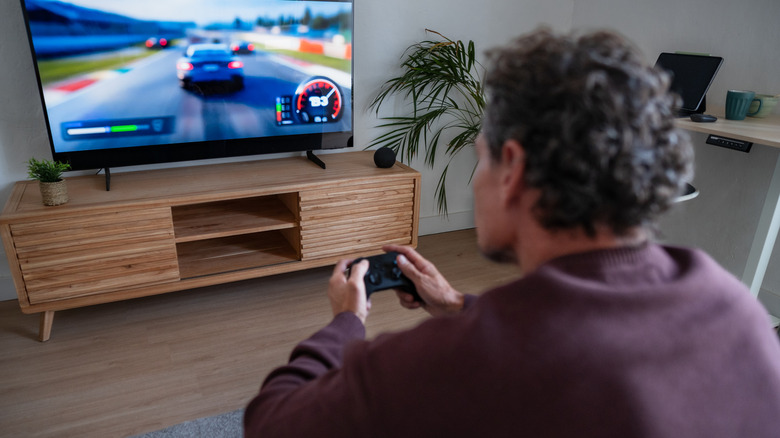
For gamers using consoles or PCs, “Game Mode” is a common setting aimed at reducing input lag—the delay between pressing a button and seeing the action on screen. Many modern HDMI ports now include a feature called Auto Low Latency Mode (ALLM), which was introduced in HDMI version 2.1. When a compatible console is connected, the TV detects the signal and automatically switches to low-latency mode. When gaming ceases and the user shifts to a movie or streaming service, the TV reverts to regular settings without manual intervention.
This feature enhances responsiveness, making fast-paced games easier to play. It’s advisable to connect gaming consoles to your TV’s HDMI 2.1 port. In most modern TVs, ALLM functions out-of-the-box when first connecting a console. If it requires manual activation initially, look for “Instant Game Response” or “Game Optimizer” in your settings.
Your HDMI Port Can Make Sports and Games Look Smoother

Another advantage of modern HDMI ports is their ability to support higher refresh rates and dynamic frame synchronization. These functionalities are part of the HDMI 2.1 standard and include features like 4K at 120Hz and Variable Refresh Rate (VRR). A higher refresh rate results in smoother motion, particularly beneficial during fast-paced scenes, improving clarity during sports broadcasts and reducing motion blur.
VRR takes this further by matching the TV’s refresh rate with that of the console or PC, minimizing screen tearing and stuttering for a more stable viewing experience. Many contemporary consoles and gaming PCs offer these features, but they will only operate if the TV’s HDMI port supports them. Hence, using the HDMI 2.1 port for gaming consoles is crucial.
One HDMI Cable Can Deliver Cinema-Quality Sound
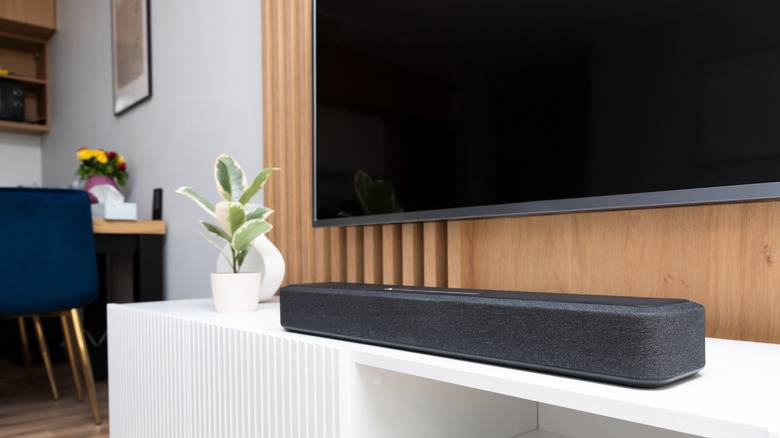
While HDMI is widely recognized for transmitting video to a television, certain HDMI ports are capable of sending high-quality audio back out as well. This feature, called eARC (enhanced Audio Return Channel), allows your TV to relay full-quality sound from its built-in apps or connected devices to a soundbar or AV receiver using just one HDMI cable.
Without eARC, audio quality may be compressed or you may need additional cables to achieve optimal sound. Prior versions of this function, known as ARC, had limitations confined to basic surround sound. eARC eliminates those restrictions, allowing lossless formats like Dolby TrueHD to pass through the cable. Many TVs and soundbars support eARC, but it’s important to connect devices to the correct HDMI eARC port to fully enjoy the audio experience your equipment can provide.
