



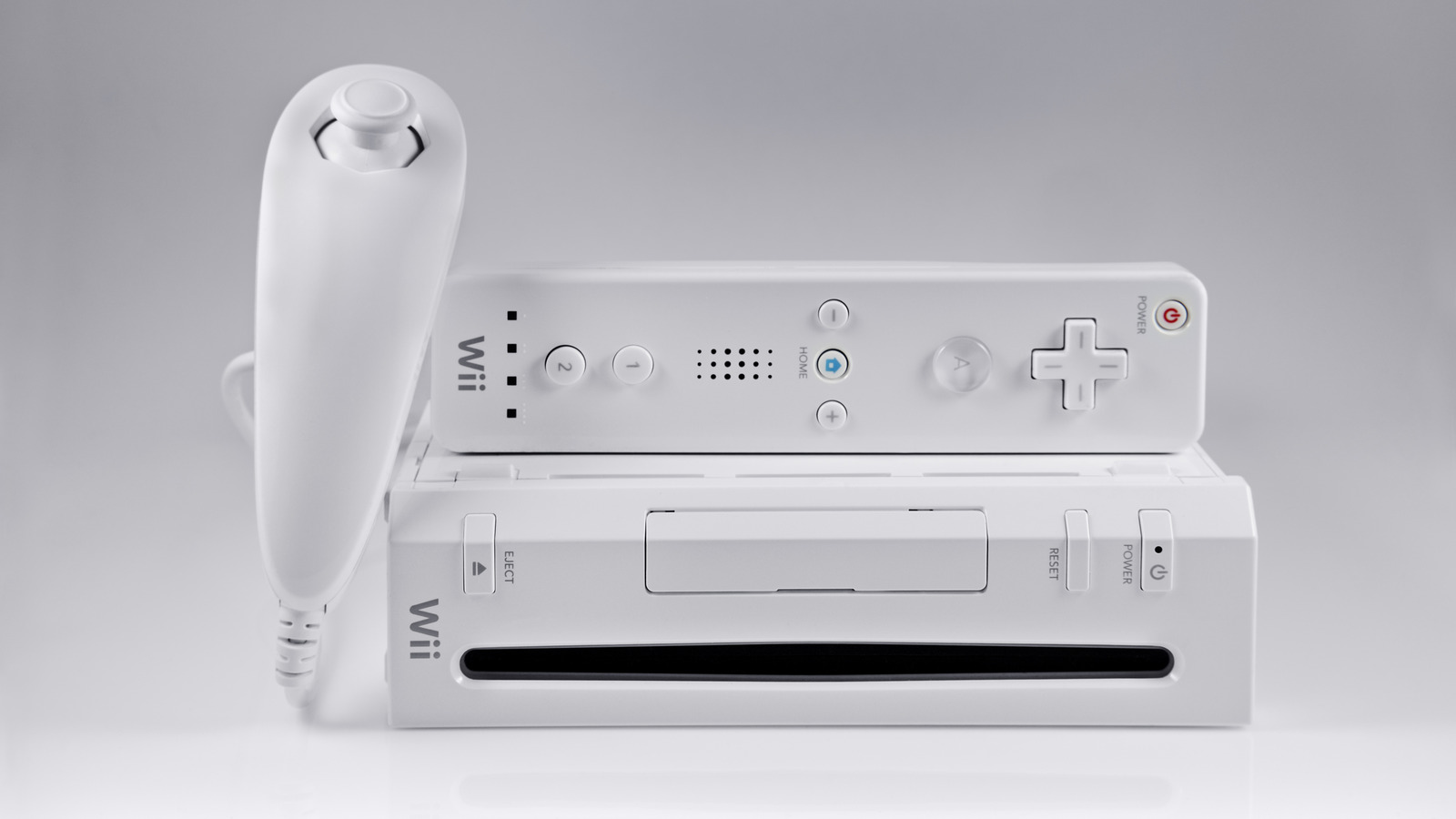
If you were a console gamer between 2006 and 2013, you probably have an old Nintendo Wii tucked away somewhere. This console, part of the seventh generation of gaming systems, marked a transformative time in gaming. Along with incredible titles, it introduced pioneering consoles like the Xbox 360. The Wii achieved significant popularity, with people eagerly waiting for it even two years post-launch, and its supply stabilizing three years after its initial release in 2006.
During the mid-2000s, “Wii Sports” became a cultural phenomenon, particularly with its engaging mini-games like bowling. The innovative motion controls captivated players, securing the Wii’s status as the best-selling console of its generation, with total sales reaching 101 million units.
However, using your Wii today can be challenging, as Nintendo discontinued its online services and store in 2019. This limits the console to playing installed or disc-based games, unless you’re willing to explore alternative options. Despite being two decades old, there are still several inventive ways to revive your old Wii.
Modify It for Homebrew Games
Modding your Wii to run homebrew games is relatively straightforward. Although the modding community has slowed down in the two decades since its peak, many guides and resources are still available. The Homebrew Channel, despite not being under active development, remains a reliable method for downloading and executing homebrew games. Pair it with the Homebrew Browser to find popular hobbyist games, including titles like “Abe’s Amazing Adventure” and simple games such as chess and poker. This way, you can expand your gaming library with new experiences.
By modding your Wii, you can replace the inactive connection to Nintendo’s servers with WiiLink, restoring online gaming functions and allowing connectivity with other modded Wii users while also reactivating Wii Connect24 channels like the Forecast Channel.
Transform It into a Media Center
Once you mod your Wii to install homebrew, a variety of applications become available. Notably, WiiMC serves as a media center application that can play audio and video and display images, supporting formats such as H.264 and MPEG-2. It can read both FAT32 and NTFS drives, allowing you to store media on an SD card or external hard drive. Combined with the Wii’s built-in DVD player, this setup can function as a versatile media center for the family. However, keep in mind that better-suited for standard-definition content, it cannot handle high-definition videos effectively.
If gaming isn’t your preference, the Wii can still be handy for media playback, providing a straightforward setup ideal for children’s or guest rooms.
Dive into Classic Game Emulation
While repurposing your Wii as a media center is exciting, its primary function remains gaming. If you’re weary of your existing game library, emulation is an excellent solution. After modding your Wii, the world of classic game emulation opens up. RetroArch simplifies this process by enabling the emulation of not just Nintendo consoles but also other classic systems like the Sega Genesis and TurboGrafx-16, all from a single platform.
With ample storage options via SD cards or USB drives, you can build extensive collections of classic games. Essentially, you can turn your Wii into a dedicated emulation hub, capable of playing countless favorites and discovering hidden gems across retro gaming’s history.
