



Performance Overview
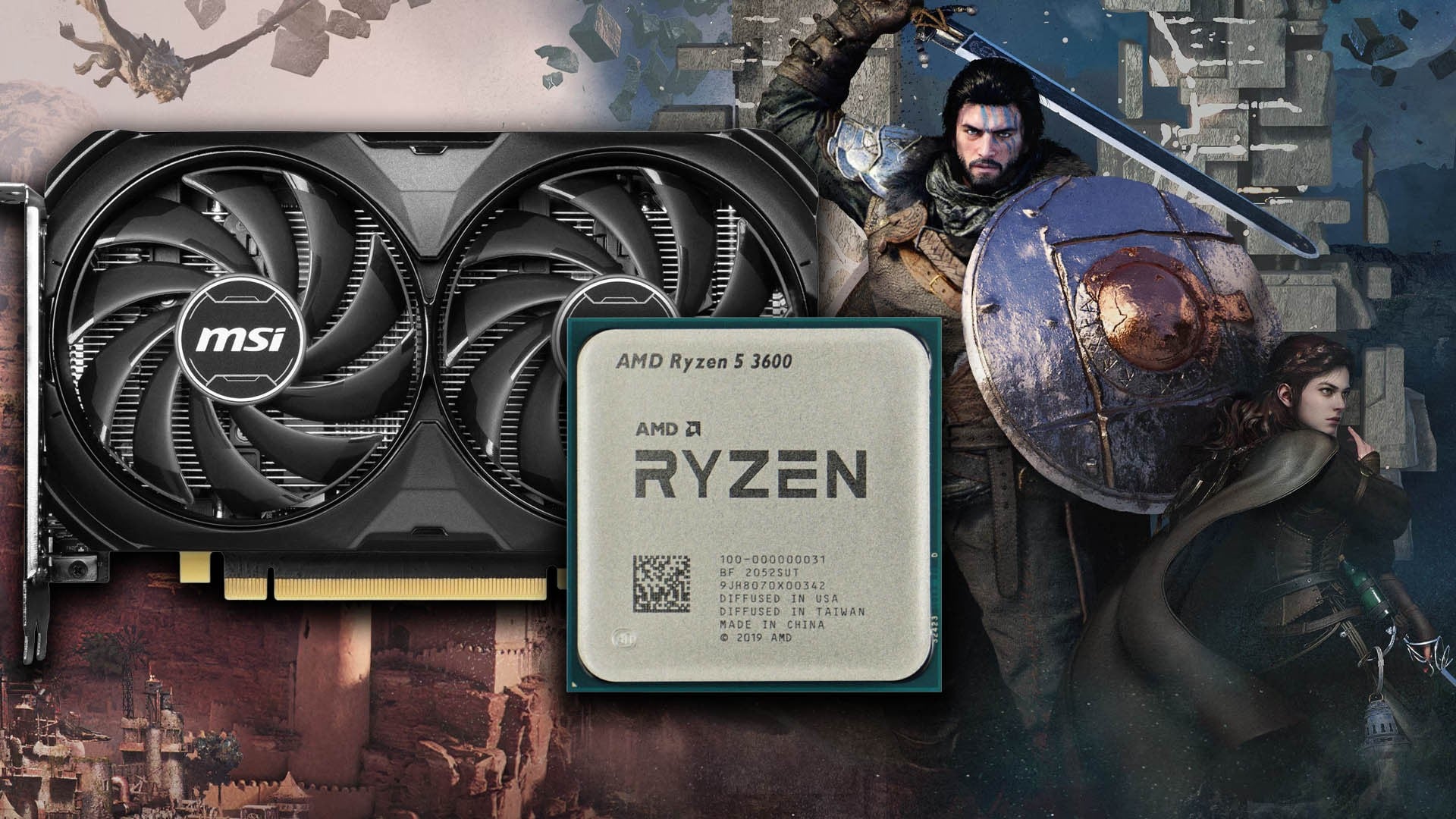
Good news for PC gamers: the experience with Crimson Desert’s PC version aligns with expectations set by the console variant. Although it can be resource-intensive, a Ryzen 5 3600 paired with an Nvidia GeForce RTX 4060 can achieve decent performance at 1440p using DLSS 4.0 in balanced mode. The crucial factor for performance is lighting quality; avoid the maximum and cinematic settings, and select ultra for a significant frame-rate boost.
Tuning for Optimal Performance
Fine-tuning settings is vital. Thanks to contributor Rayan, we have optimized settings drawn from extensive testing of each graphics option. We’ve also considered settings from Pearl Abyss, using the PS5’s balanced mode for reference, while we’ve previously published PC equivalents for all graphics options on both base and enhanced PlayStation consoles.
Frame Rates and CPU Limitations
The game generally runs smoothly, even on the 2019 Ryzen 5 3600, with frame-times remaining stable apart from a minor stutter early on. Notably, performance is mainly GPU-limited, maintaining around 50-60fps, with a few exceptions. Certain scripted fight scenes can heavily strain the GPU, though frame drops under 60fps are rare. Keeping the CPU power robust is crucial for maintaining frame rates during crowded scenarios.
Impact of Frame Generation
Frame generation can push the RTX 4060 into the 70-90fps range, even during demanding scenes. Without this feature, latency metrics remain acceptable. However, enabling frame generation does add around 15 to 20ms of latency. On balance, performance scales well with more modern CPUs and GPUs more powerful than the RTX 4060.
Graphics Settings Menu Observations
The graphics menu is relatively user-friendly, offering a good variety of adjustable settings without needing to restart the game. However, it lacks clear on-screen indications of each setting’s impact, and the preview doesn’t allow for comparing changes, which can be frustrating. For those with an 8GB GPU, the game performs well, just avoid high texture quality options to maintain performance.
Optimized Settings Recommendations
Our video elaborates on graphics options, revealing that ray tracing offers minimal performance impact; thus, keeping it enabled is beneficial for lighting and shadow details. Conversely, the Lighting Quality setting significantly affects GPU performance. Dropping it from max to ultra can drastically improve frame rates, making this a critical setting. Other recommended adjustments for optimizing performance include lowering volumetric fog quality and adjusting model quality to ultra.
Final Thoughts
Upon testing the Ryzen 5 3600/RTX 4060 setup at 1440p, I observed a 39% performance gain when shifting from max to cinematic mode. Further frame rate improvements were noted with optimized settings. Although some bugs may emerge as users explore more, my experience remained smooth. While scalability could be improved, performance at 1440p on modest hardware is promising. Stay tuned for insights on console versions of Crimson Desert.
