



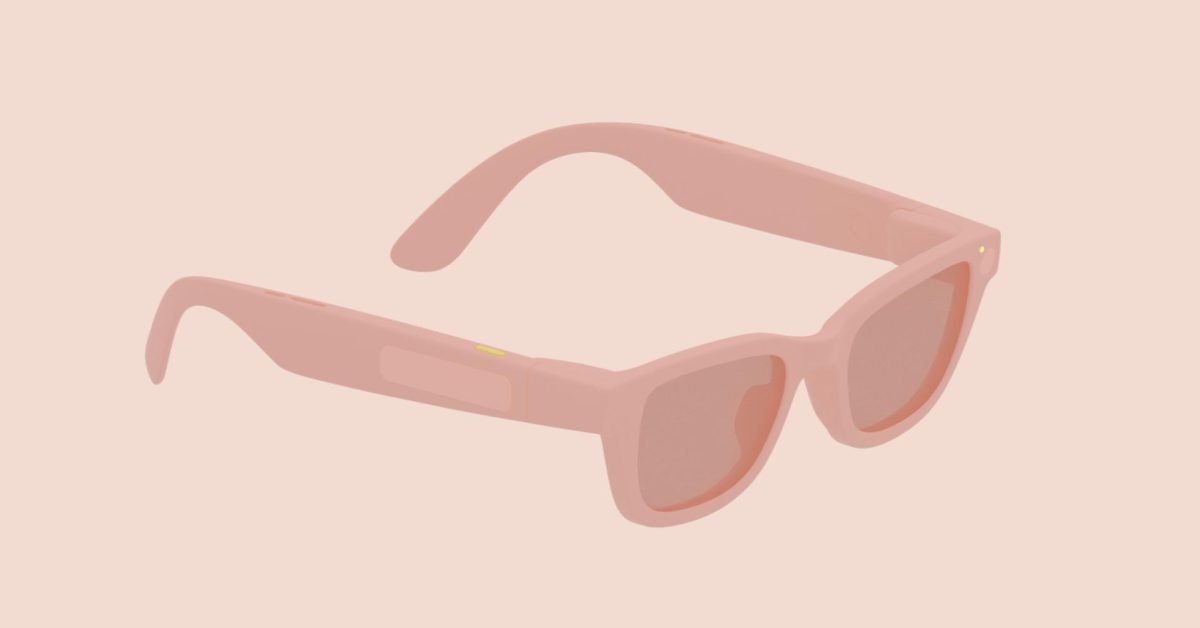
Scheduled for release in 2026, Android XR glasses are set to offer a unique user interface and experience.
Development Tools
Since December, Google has provided design guidelines and development resources to enable developers to create apps for these glasses. The glasses come in two main types:
- AI Glasses: Equipped with speakers, a microphone, and a camera.
- Display AI Glasses: Include a small screen, with monocular models for a single display and binocular models planned for future release.
User Experience
Wearers can deactivate the display at their discretion, meaning apps must function efficiently in audio-only mode. The controls on the glasses will include a power button, two touchpads, and a camera button, with the display button located underneath the stem for models with screens.
Camera and Touchpad Functions
The camera button allows for easy photography and video capture; a single tap takes a photo, while a press and hold records video. Additionally, the display button enables a “Wake/Sleep” feature. The touchpad has numerous functions:
- Tap: Play, Pause, or Confirm actions.
- Touch & Hold: Activates Gemini.
- Swipe: Controls audio playback and displays user interface navigation.
- Two-finger swipe: Adjusts volume.
- Swipe Down: Returns to the Home Screen or previous screen in apps.
LED Indicators
The glasses include two LEDs—one for the user and one for bystanders—providing feedback on device operations and feature statuses. These indicators are part of the overall user experience and cannot be customized.
Software Interface
The Display AI Glasses feature a Home screen similar to a phone’s lockscreen, complete with a persistent “system bar” displaying time, weather, notifications, and updates.
Key functionalities of the interface include contextual information without requiring user input, shortcuts for anticipated actions, and multitasking capabilities for simultaneous activities.
App Design Guidelines
For app development, designers should avoid sharp corners in their interface as they can distract the user’s gaze. Rounded corners are preferred to maintain focus. Designers must also consider color usage, as different colors impact both power consumption and heat generation. Notably, green is the most power-efficient color while blue consumes the most energy. Thus, screens should avoid excessive brightness to minimize overheating.
