


We’re now past the midpoint of March, making it a fitting moment to outline the initial wave of updates that Microsoft has rolled out for Windows 11 via the Windows Insider Program over the past two weeks.
Throughout March 2026, Microsoft has introduced a variety of visual enhancements, performance upgrades, platform modifications, and some new features. Notably, users can now customize the profile folder name during the setup process. Additionally, there have been adjustments to the policy aimed at reducing system bloat, and the “Drag Tray” feature has been rebranded as the “Drop Tray,” among other updates.
Key Changes in the Windows Insider Program for March 2026
This summary outlines the most significant enhancements released since my previous report on changes. Microsoft has made various updates available in the Dev and Beta Channels, including builds 26300.8068, 26220.8062, and others in the Canary Channel.
Custom Folder Name in Initial Setup
Beginning with builds 26300.8068 and 26220.8062, Microsoft is testing a revised Out-of-box Experience (OOBE). It allows users to set a custom name for the user folder during the “Name your device” segment. This feature has been simplified, eliminating the need to access the Command Prompt for the process.
Updated Debloat Policy
For the Enterprise and Education editions, Microsoft is enhancing the “Remove Default Microsoft Store packages” policy. This allows administrators to specify additional apps to be removed by using their Package Family Names (PFNs), available in the “App Package Deployment” section.
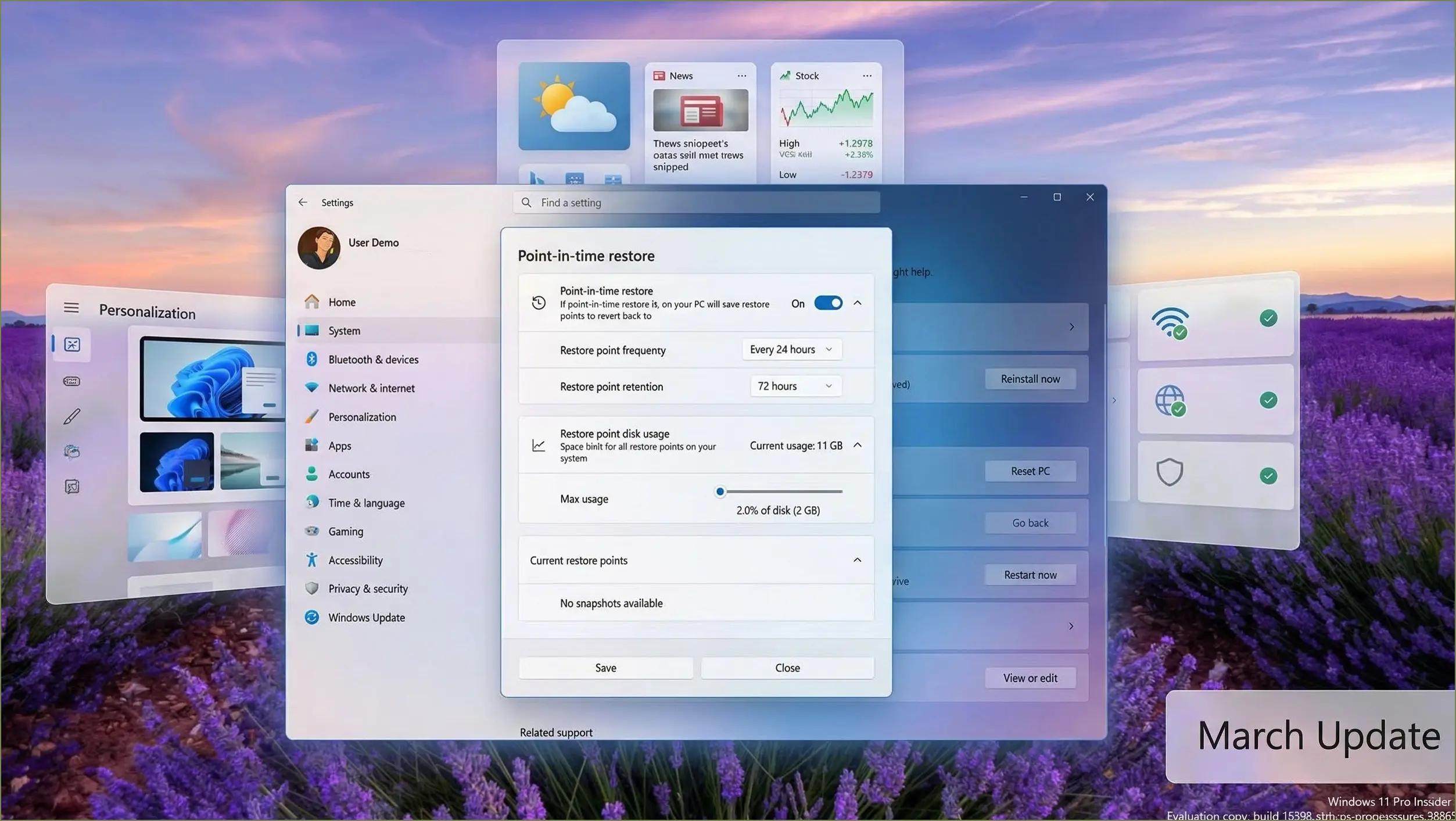
New Point-in-Time Restore Options
Updates to the Point-in-Time restore feature now include options for viewing and editing restore points. Users can manage the frequency and retention settings, as well as define reserved storage for these points. Enhanced messaging has also been introduced to improve user understanding during recovery operations.
Administrator Protection Feature
Starting with build 26300.7965, Microsoft has reintroduced the Administrator Protection feature, which strengthens security for accounts with administrative rights. This feature operates differently than the traditional User Account Control (UAC), aiming to minimize vulnerabilities by managing elevated access within a temporary, isolated account.
Improvements Across Various Features
Other updates include enhancements in the File Explorer, which now supports Voice Typing for renaming files. The Camera settings have also been updated, providing new controls for pan and tilt functionalities. Collectively, these changes underscore Microsoft’s direction for Windows 11, reflecting both subtle and impactful updates aimed at improving user experience.
