


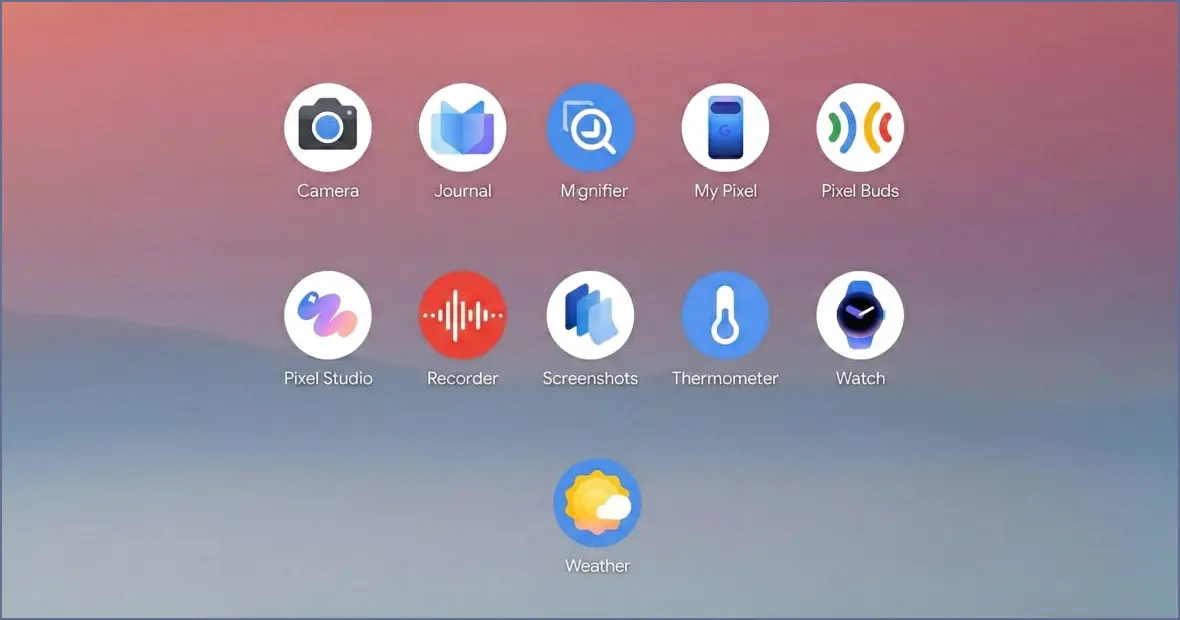
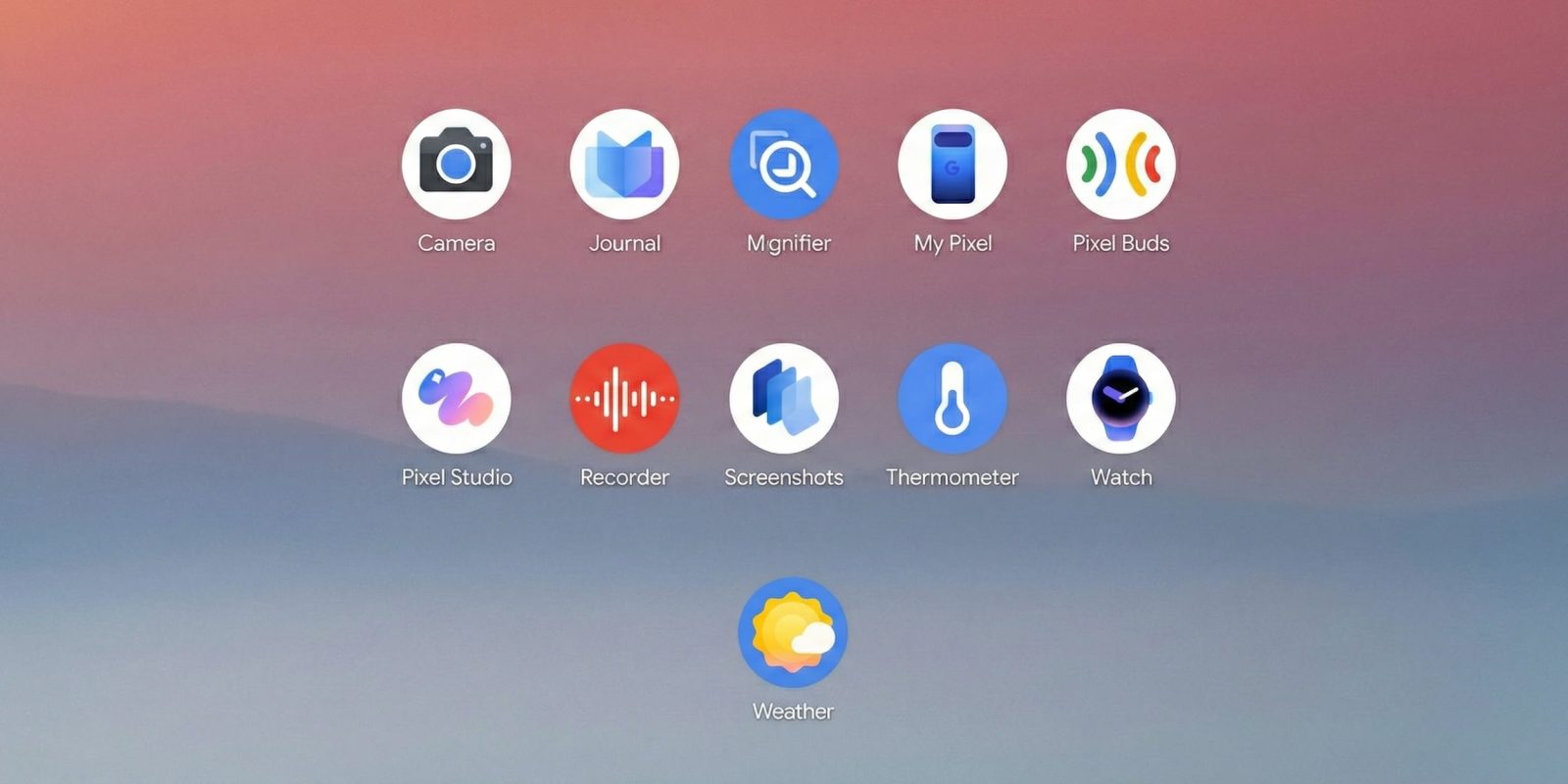
In 2025, Google’s exclusive Pixel apps expanded significantly, marking a trend that is expected to continue as the company strives to enhance user experience. Importantly, these new offerings are not limited to recent devices.
New Apps
Journal emerges as Google’s latest addition in 2025, first debuting on the Pixel 10 series and later on the Pixel 8 and 9 a few months after its initial release. This app comes following Apple’s introduction of a similar Journal app for iOS in 2023.
The app’s main feature allows users to document their daily lives easily, with immediate access to the journaling interface for text entry. Users can incorporate images, videos, health activities from Health Connect, and location data into their entries.
Artificial intelligence plays a role by suggesting topics for entries based on past writings, and it provides “Insights” regarding user patterns and personal growth within a dedicated tab.
From a design standpoint, the app exhibits various Material 3 Expressive traits, although the elongated bottom bar feels somewhat outdated.
Pixel VIPs debuted as a Feature Drop in June, but its release would have been more impactful alongside a new device, ideally a flagship model. This feature replaces the Contacts widget, offering a quick overview of recent messages and calls alongside relevant information.
My Pixel, while an update to the existing Pixel Tips app, is substantial enough to be considered a new application. It features a custom icon in a blue-purple color scheme, possibly representing the new Pixel app standard. This app centralizes tips, support, and shopping in one place, making it easier for users than navigating through various Google support websites.
Major Updates
The Recorder app received one of the most significant redesigns in 2025, focusing on simplifying its interface after years of additional features. It now includes a prominent search bar and updated playback screen which has streamlined user interactions by consolidating various actions into a fullscreen sheet.
As a more casual user, I found the emphasis on favoriting recordings over search functionality somewhat frustrating. However, the overall modernization reflects the app’s evolution since its launch with the Pixel 4.
This year also saw the introduction of a “Create music” feature that aims to widen the app’s use beyond productivity, alongside NotebookLM integration for uploading transcripts.
Pixel Studio reached version 2.0, moving away from its preview phase. The most significant enhancement is an image editor equipped with AI tools that replace the previous Markup experience, featuring options such as cropping, drawing, highlighting, and an easer, as well as a sticker creator and object manipulation capabilities.
Additional Updates
The Weather app underwent M3 Expressive adjustments, resulting in larger homepage cards with less information density. While I’ve adjusted to this change, a late-year update frustratingly eliminated the edge-to-edge design where cards used to flow beneath the system gesture navigation area.
On the positive side, Pixel Weather finally introduced native homescreen widgets while a significant earlier update prevented automatic addition of searched cities to the saved list.
Additionally, Weather made its way to the Pixel Watch with Wear OS 6, including the full 10-day forecast.
Pixel Camera: Minor button adjustments and reorganization in the main settings list.
Magnifier: Added real-time text search and support for foldable devices.
Pixel Buds: Enhanced Equalizer interface introduced.
Screenshots: Features a new Read aloud option, straightforward M3E modifications, and NotebookLM integration along with collection suggestions.
