


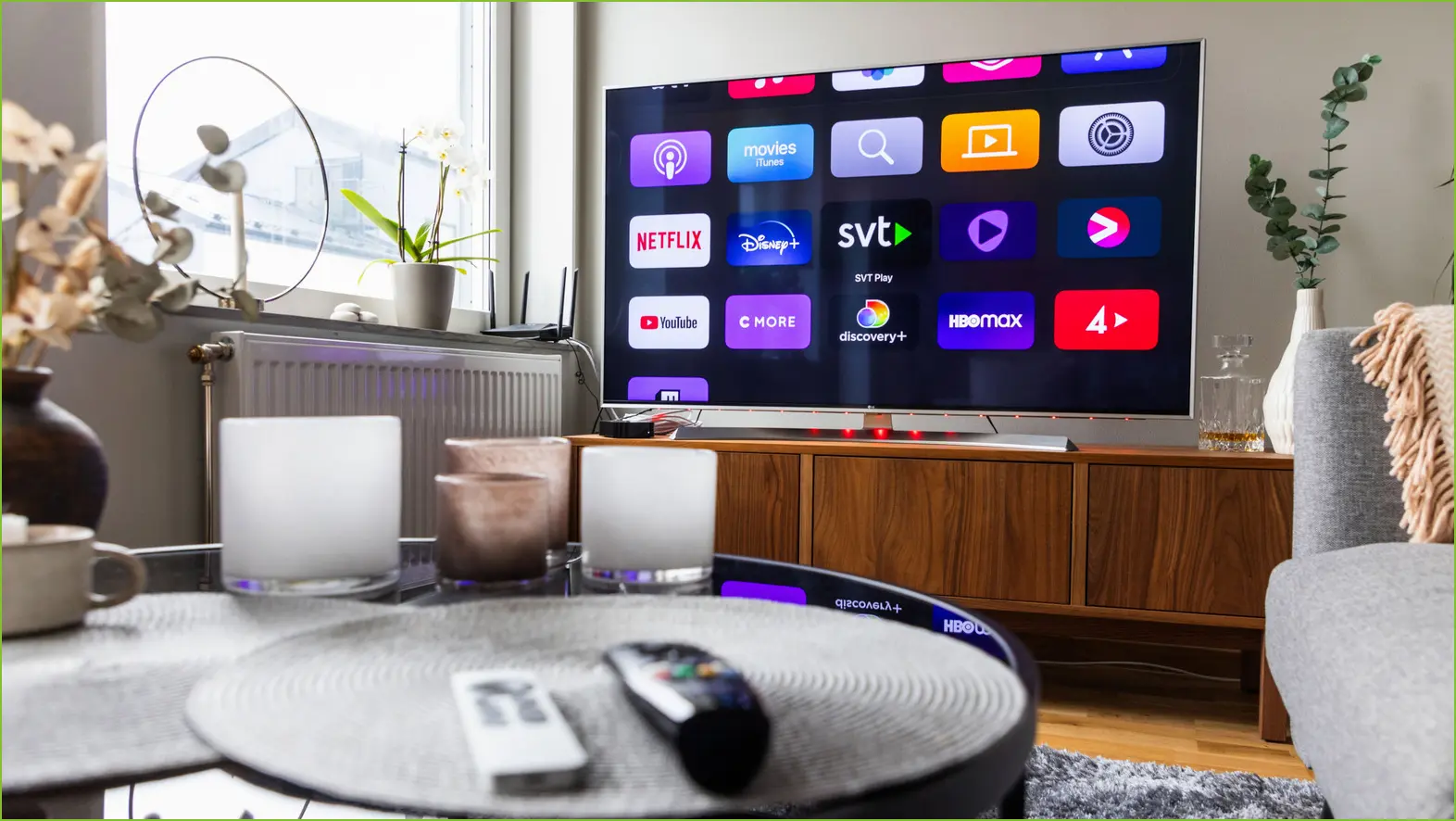
As cable service costs decline, smart TVs with numerous apps have made cutting the cord more accessible than ever. With brands such as Hisense and TCL offering affordable devices with impressive displays, acquiring a smart TV running systems like Android, Roku OS, or webOS has never been easier. Streaming devices like Apple TV and Shield TV further enhance viewing options, making it simple to ditch traditional cable services.
This guide features essential apps based on our extensive experience with smart TVs, user feedback, and installation statistics. Whether you want to manage your local media library, stream from the cloud, or access live content, this compilation highlights the indispensable TV apps that cord-cutters rely on.
Kodi
If you’re interested in managing a local media collection, the first app to consider is Kodi. With over 50 million downloads on the Google Play Store, this media center app has gained popularity among cord-cutters. Originally developed for Xbox as XBMC, Kodi is now available across various platforms as an open-source solution, backed by community support.
Kodi excels with its vast library of plugins, user-friendly interface, and capability to stream content via a local network. Moreover, users can integrate games and music into their library, which makes Kodi a comprehensive media hub that caters to all entertainment needs.
Plex
Plex combines local media storage with streaming capabilities, allowing users to create a personalized media server. With 50 million downloads, it’s a leading choice for cord-cutters. Plex ensures smooth streaming through on-the-fly transcoding, adapting your library for optimal playback based on network conditions.
Plex can also serve as a media center, enabling users to connect a hard drive, thereby accessing content anytime. However, it does require a subscription for mobile streaming, with plans starting at $1.99 per month.
Jellyfin
If Plex and Kodi don’t meet your needs, Jellyfin is a solid alternative. Similar to Plex, it functions as a media server, but it’s completely free and open-source, eliminating any subscription barriers. Jellyfin offers extensive customization options for tech-savvy users, ensuring full control over their media without additional costs.
While Jellyfin is relatively new, launched in 2018, it has already grown a sizable user base with over 1 million downloads. It’s ideal for those seeking a free media server equivalent to Plex.
VLC
When it comes to simplicity, VLC is the best choice for users who prefer straightforward media playback without a complex interface. With over 100 million downloads since its inception in 2001, VLC supports virtually any media file and is available on multiple platforms.
This versatile player is a great backup for any media center setup, making it essential to have VLC on your smart TV for any file type that might not play elsewhere.
YouTube TV
For accessing live news and sports without cable, YouTube TV is a top option (alternatives include Sling TV and Hulu + Live TV). It streams local stations and offers a DVR feature, similar to traditional cable, and boasts over 10 million downloads on the Google Play Store.
While priced at $82.99/month, competitive with many cable subscriptions, upcoming themed plans could provide more affordable options. Pairing YouTube TV with your chosen media app creates a robust cable-cutting experience for your smart TV.
How We Selected These Essential TV Apps
With over a decade of expertise in smart TVs and a rigorous research approach involving customer feedback and download statistics, we’ve curated this list of essential apps. This ensures cord-cutters have access to top-quality tools, whether they need a complete media center or a simple player for their needs.
This format retains the essential information while presenting it clearly in paragraphs with headings.
