


The Best Android Auto Apps You May Not Be Using
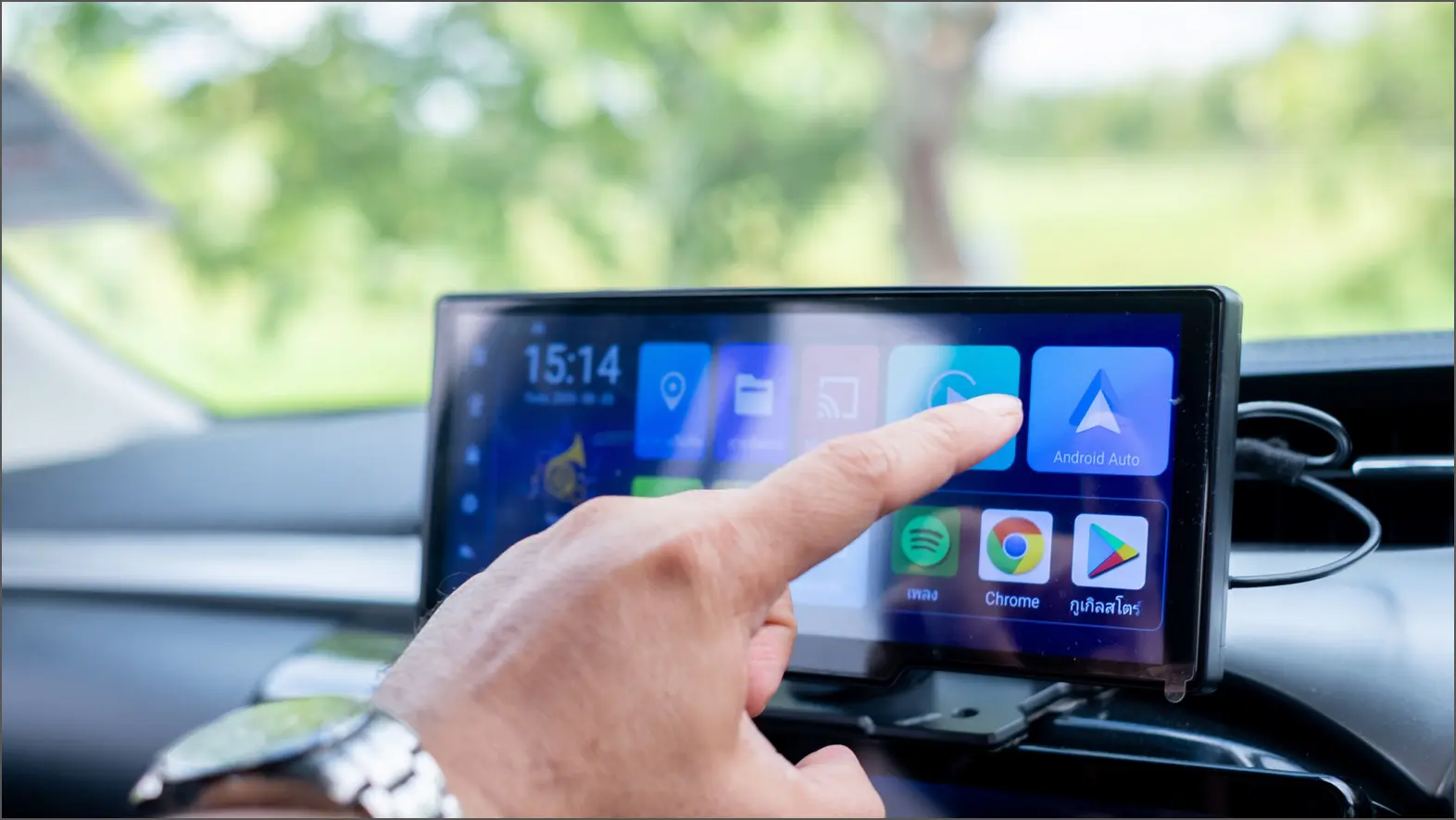
Android Auto offers an exceptional interface for your car’s infotainment system. It allows seamless use of media, navigation, and entertainment apps without the hassle of syncing data between your phone and vehicle. To begin using Android Auto, you’ll need a compatible car and a smartphone running Android 9.0 or higher. Just connect your phone via a data cable or Bluetooth, depending on your car’s capabilities.
While navigation and music playback—using apps like Google Maps and Spotify—are the primary functions of Android Auto, many other free apps are available that enhance the experience. Some of these may even be services you already utilize daily but didn’t know supported Android Auto.
If you’re interested in maximizing your Android Auto experience, here are some free apps that can enhance your driving.
SpotHero

Finding a convenient parking spot can be frustrating, especially in heavy traffic. If you’re often challenged with this, consider installing SpotHero. This app lists available parking locations nearby, including airports and garages. You can specify dates and times to find the best options, and, where available, reserve and pay for your spot through Google Pay.
SpotHero operates in all major U.S. cities and is compatible with Android Auto, making it easy to explore unfamiliar areas for affordable parking. The app’s 4.4-star rating on Google Play reflects its over a million installations, showing its capability to locate the best parking spots during events.
Audible
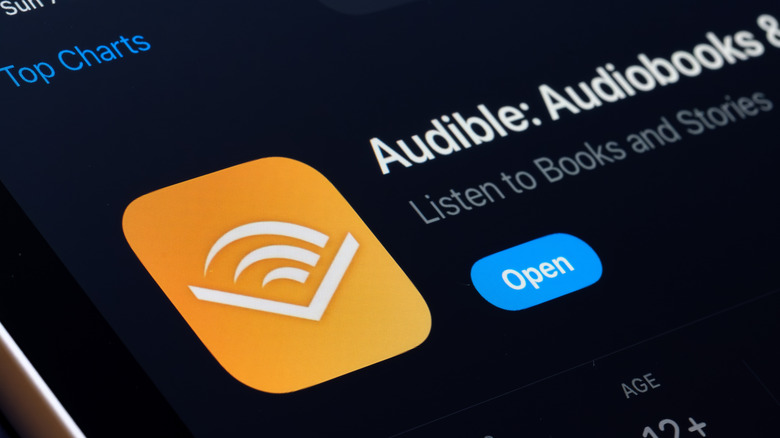
While many enjoy music during commutes, audiobook enthusiasts can benefit from Audible, which also supports Android Auto. Although there are cheaper alternatives, Audible remains the leading option for a vast library accessible across various platforms. If your vehicle lacks Android Auto support, the app offers an “Automatic Car Mode,” simplifying the interface when connected via Bluetooth.
Vivaldi Browser

To enhance your Android Auto experience, familiarize yourself with various apps that enrich its functionality, like Vivaldi Browser. This browser is tailored for Android Auto, featuring built-in ad blocking and privacy features, allowing you to surf the web safely via your car’s screen. For streaming services without native Android Auto support, Vivaldi enables you to access content when parked.
Customization is a plus, offering options like light or dark mode, changing the start page background, and taking screenshots for future reference. Vivaldi incorporates standard browser features like bookmarks and recently closed tabs.
GameSnacks
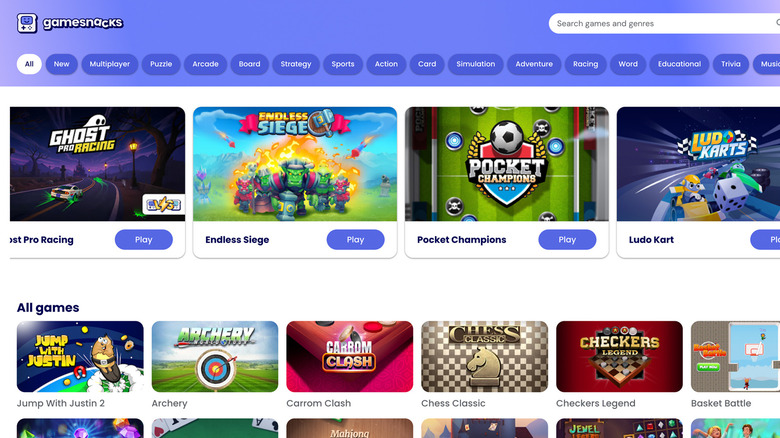
When waiting in your car, GameSnacks is a perfect app to pass the time. Developed by Google, it features a selection of simple games designed for your vehicle’s display.
Games like “Classic Solitaire” and various match-three titles are available, along with some multiplayer options for passengers. While GameSnacks offers great entertainment, it should only be played when parked—never while driving. Additionally, since the games are HTML5-based, they’re accessible on any device’s browser.
