


Overview of iOS 26 & iPadOS 26 Updates
Apple annually rolls out significant updates for iOS and iPadOS. Some years prioritize minor tweaks for improved functionality, while others introduce comprehensive redesigns and new capabilities. This year’s update is notable for its design innovation called “Liquid Glass,” which enhances the user interface with glass-like transparency.
The new update includes several exciting features. For instance, iOS 26 incorporates functionalities that Android users have enjoyed for a while, such as Call Screening, Hold Assist, charge time estimates, and Adaptive Power mode. Moreover, iPadOS 26 includes numerous features that bring the iPad closer to functioning like a MacBook. Both updates also come with a range of new applications that expand functionality without needing third-party downloads; these applications automatically populate with the update.
Phone App Enhancements
Yash Wate/SlashGear
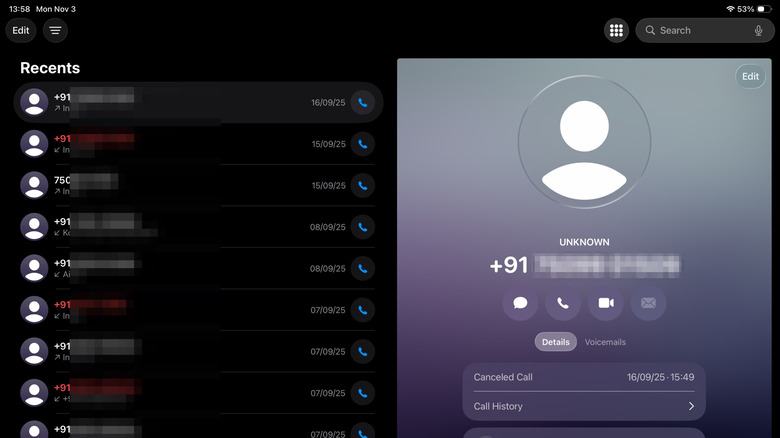
The iPad has offered the ability to make calls via the iPhone’s cellular connection through Apple’s Continuity feature, but the experience was not very smooth. With the updated Phone app on the iPad, users now enjoy a more integrated experience for making and receiving calls, accessing call history, and checking voicemails.
Moreover, the Phone app on iPhones also received an update, featuring a refined design that combines the Favorites, Recents, and Voicemail tabs into one streamlined Calls tab while still allowing users the option to revert to a classic format. The app introduces useful features like Call Screening to filter unwanted calls, Hold Assist to alert users when a live person is on the line, and Live Translation for real-time conversation translation during calls.
Previewing Made Easier
Yash Wate/SlashGear
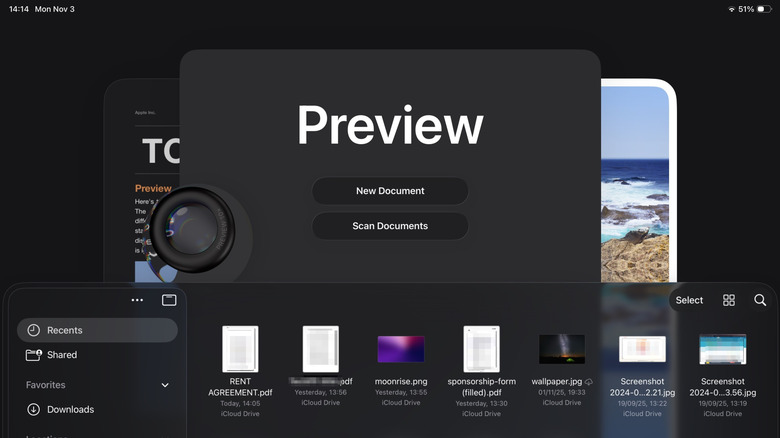
For a long time, managing documents on an iPhone or iPad was limited to the Files app, which lacked advanced document editing tools. Apple has now introduced the Preview app across both platforms, allowing users to easily edit, annotate, and manage images and documents with built-in editing features and comprehensive support for different formats.
Journal Feature
Yash Wate/SlashGear
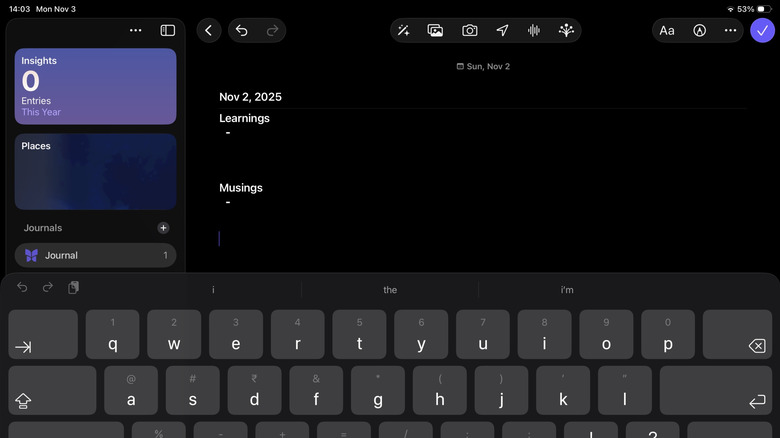
The Journal app is Apple’s solution for users wanting to record daily thoughts and experiences. Now available on iPad with iPadOS 26, it allows for richer entries that can include not only text but also drawings, photos, and audio. The app is user-friendly and significantly enhances journaling, especially with support for external keyboards and the Apple Pencil.
Gaming Reimagined
Yash Wate/SlashGear
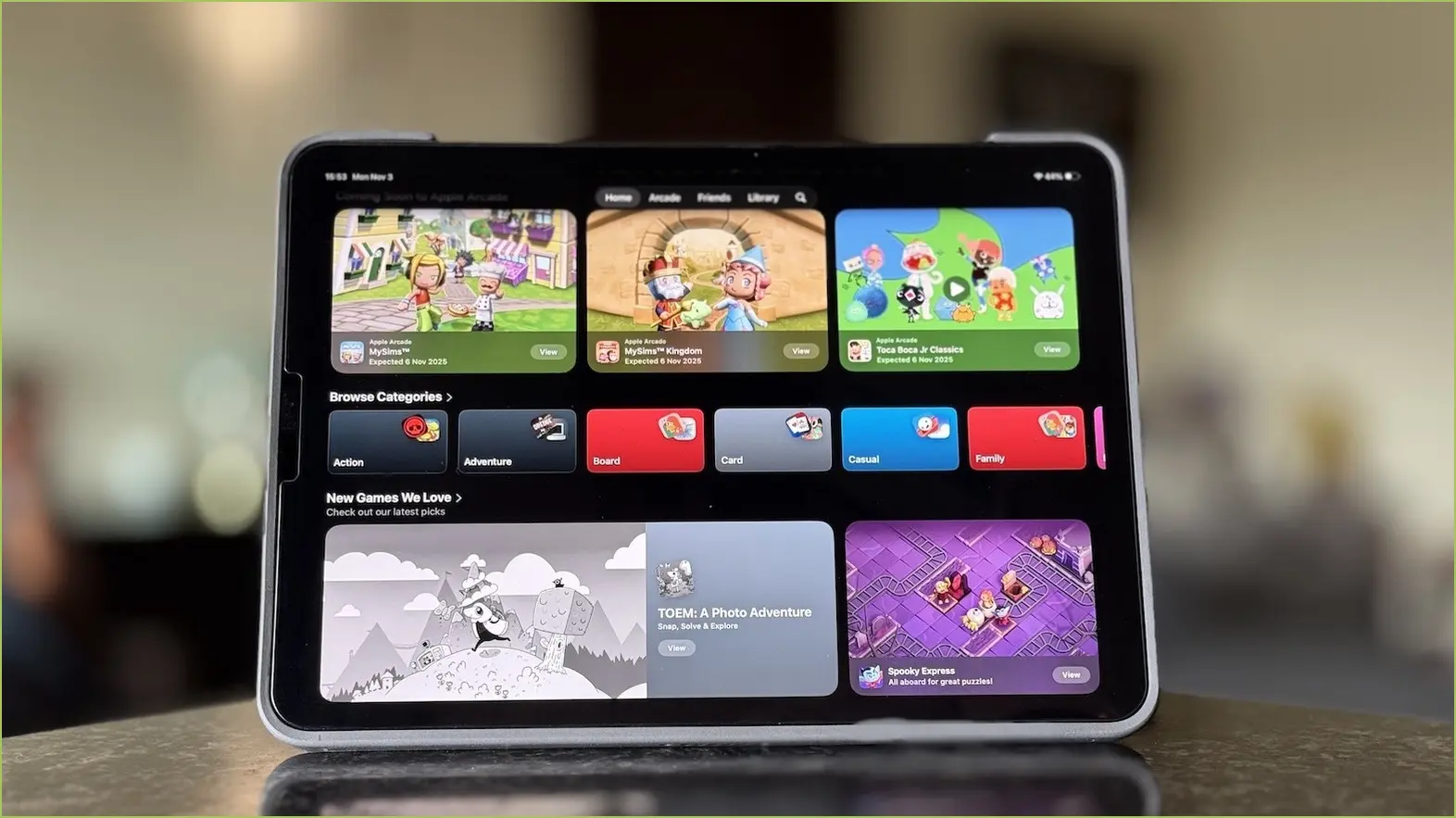
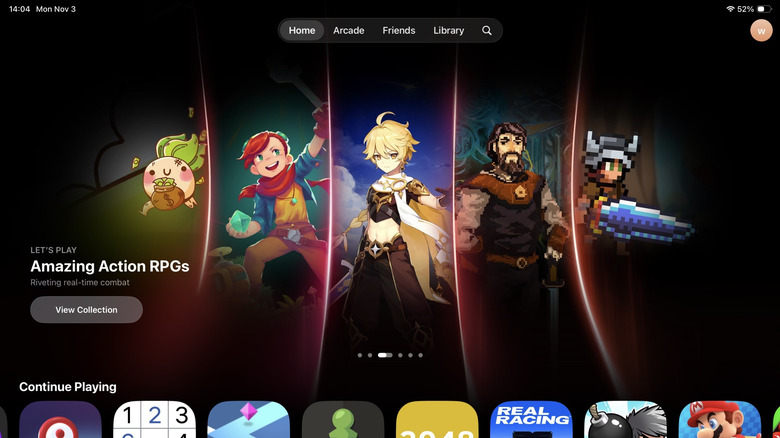
The introduction of the Games app in iOS 26 and iPadOS 26 addresses the previously scattered gaming experience. This new application centralizes access to installed games, offers up recommendations, and highlights social challenges, making it easier for players to navigate the gaming landscape and stay updated with the latest events and updates in their games.
